
Introducing an AI call agent: the practical guide for small businesses
By Muhammad Shahid Nawaz, AI Automation Engineer & AI Agent Specialist · · 9 min read
Monday morning, 8:40 a.m. The display shows three missed calls from the weekend — one of them was a new customer who has since called somewhere else. Many small businesses know this scene: the phone rings exactly when nobody can pick up — on the construction site, in the treatment room, in a client meeting. Introducing an AI call agent is for many companies the most pragmatic way to close this gap: it answers calls around the clock, understands free speech instead of keypad menus, and handles routine requests on its own — from appointment booking to structured call notes for your team. This guide shows in six steps how to get the introduction right in practice, which mistakes to avoid, and what matters for data protection and transparency.

What an AI call agent does — and doesn't
Honest expectations are half the introduction. A good AI call agent answers every call — even several at once, with no waiting queue. It understands the request in free conversation, asks follow-up questions, books appointments in your calendar, answers standard questions about opening hours, services, and processes, and hands your team a structured summary after each call: who called, what it was about, what's the next step?
What it doesn't do: make professional assessments — no medical, legal, or tax advice. Give no binding commitments you haven't configured. And it doesn't replace the personal conversation where trust and relationships count. That's what escalation is for: complex, unclear, and sensitive matters go directly to your team instead of the AI improvising.
Introducing an AI call agent: the 6 steps at a glance
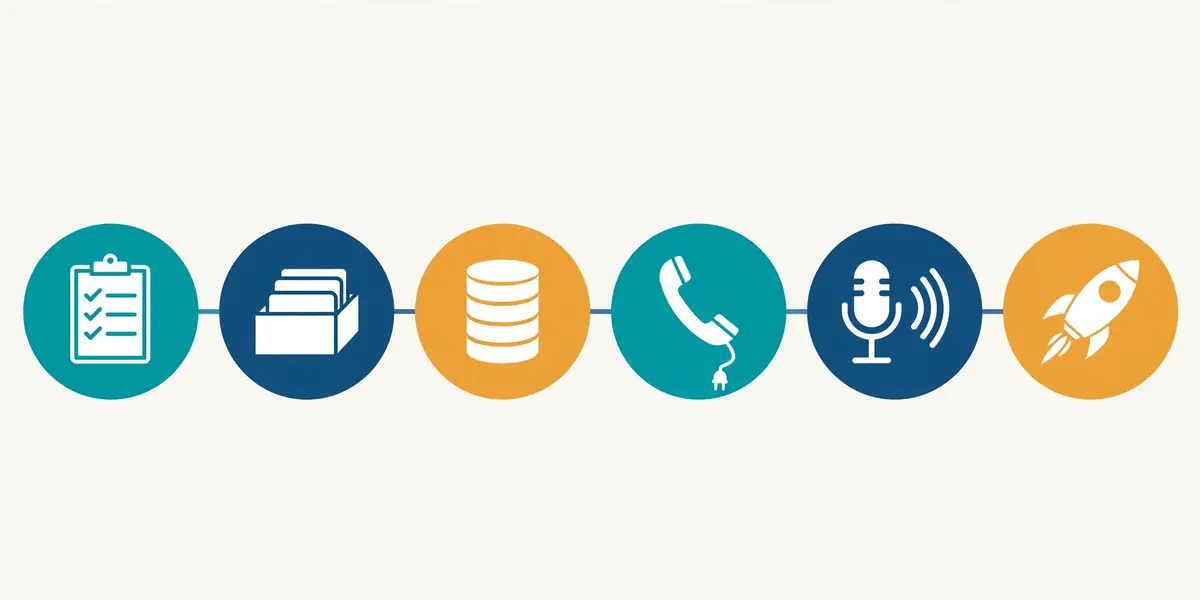
1. Honestly analyze your call volume
Before introducing anything, count: for two to four weeks, note when the phone rings, who calls, what it's about, and what came of the call. A simple spreadsheet is enough — date, time, request, outcome. Most revealing: the calls nobody picked up.
This analysis is your decision basis. It shows whether introducing an agent is worth it at all — and for what exactly. A business with twenty appointment requests per week has different needs than one whose phone mostly rings with supplier calls.
2. Define your request catalog
Sort the typical requests into three buckets. First: what the agent may handle itself — appointment booking, standard questions, capturing callback requests. Second: what it prepares — collecting data and handing it to the team as a structured note. Third: what escalates to a human immediately — emergencies, complaints, anything sensitive and anything outside the defined workflows.
The most important rule for the start: a few clear workflows instead of full automation. You can always expand later — an agent that reliably does three things is worth more than one that half-does twenty.
3. Build the knowledge base
The agent is only as good as the knowledge you put in: opening hours, services, prices, processes, and the answers to the ten to twenty most common questions. Good sources are your website, old email inquiries, and the knowledge of the employees who currently answer the phone.
Also decide who maintains the knowledge base. Nothing damages trust in the agent faster than an outdated answer — a price that changed but is still the old one in the system, for example.
4. Sort out the technical integration
Now it's about the lines: does the agent take over your existing number via call forwarding — permanently, or only outside business hours and when the line is busy? Or does it get its own number? Then comes integration with your calendar and customer system, so appointments actually get booked and data actually gets stored.
What works well: try it on a test number first, simulate real calls, and only then go live. Anything you catch in the test phase won't cost you real customers later.
5. Set the voice, greeting, and transparency
Choose a voice that fits your brand — neither pushy nor monotonous. The greeting should be short and friendly, and make it transparent right away that callers are speaking with an AI system. The EU AI Act requires this transparency anyway — and it builds trust instead of causing irritation when it comes out later.
Skip the tech jargon in the greeting. One sentence is enough, then it's about the caller's request.
6. Pilot phase — test, evaluate, refine
Start internally: employees call in, ask tricky questions, check the answers. Then go live in a limited way — for example, only outside business hours at first. In the first weeks, review the call logs regularly and adjust answers and workflows.
Involve your team from the start: who receives the call summaries, who is the escalation contact, who maintains the knowledge base? An agent without clear responsibilities in the team fizzles out — with clear responsibilities it becomes a permanent part of operations.

The 4 most common introduction mistakes
1. Too much at once
The most common mistake: wanting to automate everything at the same time. Start with appointment booking and standard questions — expand the rest once the foundation runs.
2. Outdated knowledge base
A price changes, the system still shows the old one: wrong information damages trust faster than having no agent at all. Maintenance is not a one-time project.
3. No escalation rules
If the agent has to guess or improvise on a sensitive topic, something is misconfigured. Define clearly what always goes to a human.
4. The team stays out of the loop
If nobody knows where the call notes land and who handles escalations, the benefit fizzles out. The agent needs a team that works with it.
Sorting out data protection and legal points
Personal data is processed on the phone — names, phone numbers, requests. So clarify with your provider before go-live: is there a data processing agreement? Where is the data hosted — ideally in Germany or the EU? Are calls recorded or only summarized as structured notes? And how long is data stored?
Then there's transparency toward callers (see step 5): they must be able to tell they're speaking with an AI system. That's not a formality — it builds trust. A note on our own behalf: this section doesn't replace legal advice — if in doubt, involve your data protection officer or a lawyer.
Frequently asked questions
How long does it take to introduce an AI call agent?
With solid preparation, it's usually a matter of days to two weeks. Most of the time doesn't go into the technology but into preparation: call analysis, a request catalog, and a knowledge base. Once those three are in place, integration and the pilot phase move quickly.
What does an AI call agent cost for a small business?
Common models are a monthly base fee plus per-minute billing, or flat-rate plans for steady call volumes. Market overviews currently cite ranges of roughly 30 to 500 euros per month, depending on the model and call volume — but more important than the monthly rate is the total effort until go-live: setup, integration, and onboarding.
Will the AI call agent replace my employees?
No — it takes the load off them. The agent handles routine calls: appointment bookings, standard questions, structured call notes. Complex, sensitive, and trust-critical conversations stay with your team. That's exactly what escalation rules are for: anything outside the defined workflows goes straight to a human.
Does it work with my existing phone number?
Yes. Via call forwarding, the agent can take over your existing number — either permanently or only at defined times, for example outside business hours or when the line is busy. Alternatively, the agent gets its own number, for instance for a campaign or a new location.
Can an AI call agent be operated in compliance with GDPR?
Yes, if the fundamentals are right: a data processing agreement with the provider, hosting in Germany or the EU, and clear rules on which data is stored and for how long. Whether calls are recorded or only summarized as notes is a decision you should make deliberately — and clarify with your data protection officer if in doubt.
Don't want to handle this alone? We design and implement your AI call agent — from call analysis to the pilot phase. For an overview of the cost logic, see our page on AI agent pricing.
Ready for a call agent that's never busy?
We set up your AI call agent — from call analysis and the knowledge base to the pilot phase with your team.